
Updating personal info:
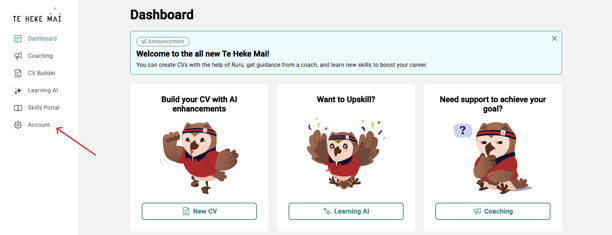
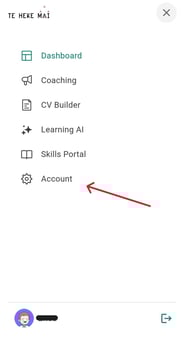
- Go to the 'Account' tab, with the gear icon
- Desktop/Laptop View: Located on the right navigation bar
b. Mobile View: Select three lines on the top right-hand corner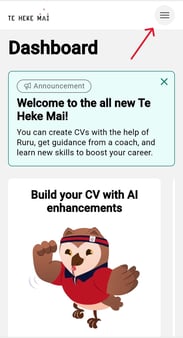
- You can update; Profile Picture, Name, Mobile Number, Age group, Gender and Region. They will need to edit and then select 'Save'
Security/Reset Password:
Located in the same area the you will have a 'Security' tab, from here you can also reset your password.