
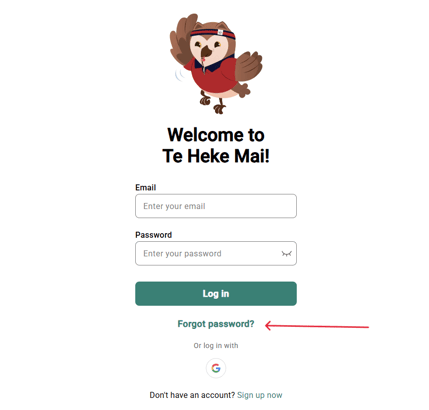
- Select 'Forgot Password' on log in page.
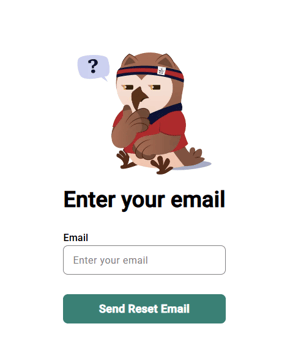
- Enter email (same as log in)
- Go to your emails and follow the steps to reset your password
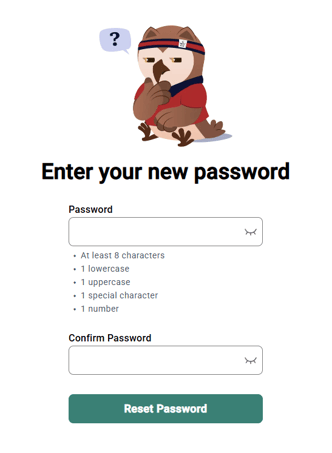
- Enter your new password
- Return to log in and use new password
If you have been using Google sign-in, this method will not be applicable. Please use the Google password recovery process if you have forgotten your login details.