
How to apply
There are two options depending on whether the user has already uploaded documents in the 'My Docs' section of the job:
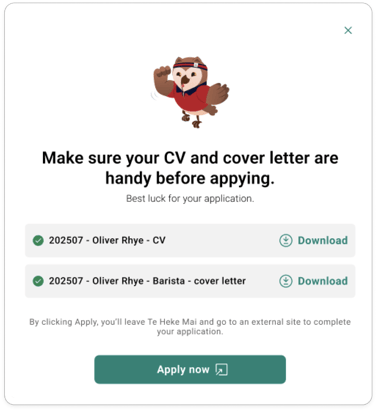
Option 1: Documents already attached
- Select Apply.
- A pop-up will prompt you to download your saved CV and Cover Letter.
- You’ll be redirected to the job ad on Trade Me Jobs.
- Apply to the role as specified using your downloaded documents.
Option 2: No documents attached yet
- Select Apply.
- A pop-up will allow you to upload and select the CV and Cover Letter you want to use.
- These documents will be saved against the job for future reference (view in 'My Jobs'.
- Create a new CV or cover letter straight from the job. The JD will be automatically populated. Note: once the CV/cover letter is completed.
- You’ll be redirected to the job ad on Trade Me Jobs.
- Apply to the role using your downloaded documents.
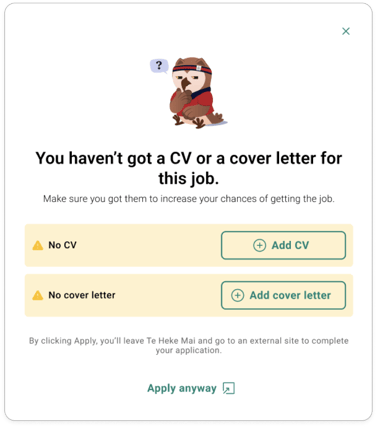
Note: You don’t need to attach any documents to proceed to the Trade Me Jobs page.
Tracking Your Applications with My Jobs
All jobs that you’ve either saved or applied to will appear in the My Jobs section.
Here you can:
- Keep track of roles you’re interested in
- View jobs you’ve applied for
Important: There is no integration with Trade Me Jobs to track the outcome of your application. Please refer to Trade Me Jobs directly or the information provided during the application.